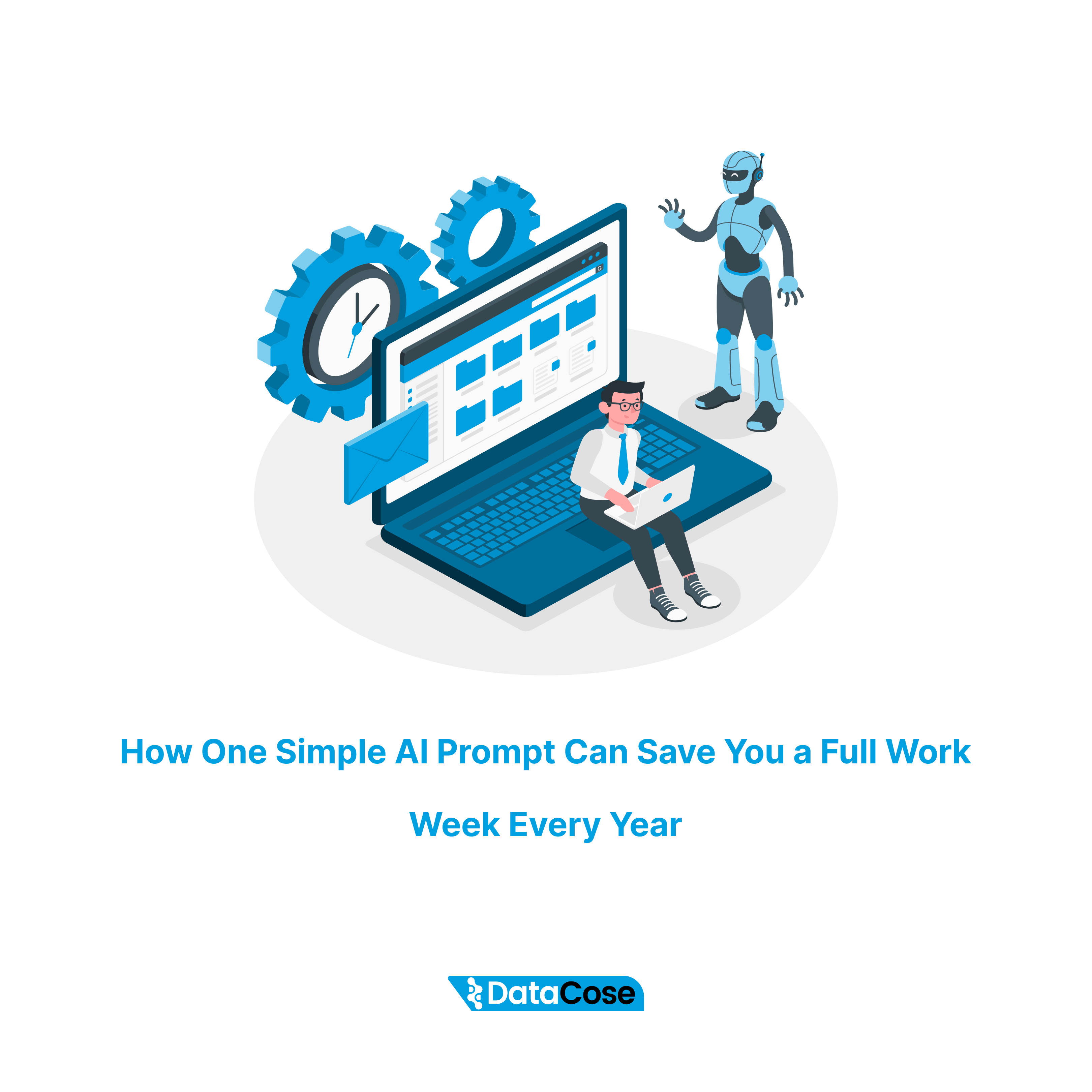
You are likely losing a full week of work every single year to a task that AI could finish in minutes. This is not about being lazy. It is about how you use your limited energy as a leader.
Every executive has tasks that drain them. These are the dull, repetitive jobs that must get done. They are critical for the business, but they take you away from high-level strategy. You might think spending one hour a week on a report or an email chain is not a big deal. You are wrong. That one hour a week adds up to 52 hours a year. That is more than a standard work week.
Imagine what you could do with an extra week of time. You could plan a new product launch. You could mentor your leadership team. You could take a real vacation without checking your phone. The technology to reclaim this time exists right now. It does not require complex software integration. It does not require a big budget. It only requires a simple change in how you view your work and one well-written instruction for an AI tool.
This article shows you exactly how to find those time-wasting tasks. It explains how to turn them into automated workflows. It provides a real-world example of how to write a prompt that delivers results.
Understanding the ROI of AI Automation
As a founder or CEO, your time is the most expensive asset in the company. When you spend time on low-value tasks, you are not just wasting time. You are wasting company money.
It is easy to ignore small tasks. You might tell yourself it only takes 20 minutes here or 30 minutes there. But these moments compound. They break your focus. They pull you out of "deep work" mode.
The Cost of Manual Labor
Let’s look at the numbers.
- 1 hour per week = 52 hours per year.
- 52 hours = Roughly 6.5 standard work days.
If you earn a significant salary, or if your hourly value to the company is high, that one boring task is costing the business thousands of dollars.
But the financial cost is not the only problem. The bigger issue is "opportunity cost." This is the value of what you could have done with that time. If you spend 52 hours formatting spreadsheets, you cannot spend those 52 hours closing deals or hiring top talent.
The Energy Drain
There is also a mental cost. Boring tasks drain your battery. They create "decision fatigue." By the time you get to the important decisions, your brain is tired. You make worse choices because you burned your energy on things that do not matter.
AI allows you to protect your energy. It handles the rote work so you can stay fresh for the work that requires human insight and creativity.
Step 1: Find the "Energy Vampires"
You cannot fix a problem if you do not see it. The first step is to identify the tasks that are stealing your time. These are often tasks you do on autopilot. You might not even realize how much time they take.
Analyzing Your Weekly Workflow
AI is great at tasks that follow a pattern. Look for work that has a clear trigger and a clear output.
- Weekly Reports: You take data from three sources and put it into a summary.
- Meeting Prep: You read a profile and look for specific facts.
- Client Follow-ups: You write similar emails to different people based on a template.
Look for Boredom
Pay attention to your feelings. Which task makes you sigh when you see it on your to-do list? If you dread doing it, it is a prime candidate for AI. Boredom is usually a sign that a task is repetitive and manual. Humans are bad at repetitive tasks. We make mistakes when we are bored. AI never gets bored. It never gets tired. It follows instructions perfectly every time.
The "One Hour" Rule
Do not try to automate everything at once. That is a trap. It leads to frustration. Instead, look for just one task. Find one thing that takes you about an hour a week. Focus all your attention on solving that single problem. Once you solve it, you bank that time forever. Then you can move to the next task.
Step 2: Treat AI Like a New Team Member
Many leaders fail with AI because they treat it like a search engine. They ask a vague question and get a vague answer. Then they give up.
To get real value, you must treat the AI like a smart intern or a new team member. You would never tell a new intern, "Write an email." You would give them context. You would tell them who the email is for. You would explain the goal. You would show them examples of good emails you wrote in the past.
You must do the same for AI. This is called "Prompt Engineering."
The Core Components of a Great AI Prompt
A "prompt" is just the set of instructions you give the AI. To replace a manual task, your prompt needs three things:
- Role: Who is the AI pretending to be? (e.g., "You are an expert sales manager.")
- Context: What does the AI need to know to do the job? (e.g., "Here is the client's message and a data report.")
- Task: What exactly do you want the AI to do? (e.g., "Draft a reply that references the data.")
When you combine these elements, you move from "playing with tech" to "building a business tool."
If you are new to talking to AI, use our 1-minute rule for perfect prompts to make sure you get the code right on the first try.
Step 3: A Real-World Example
Let’s look at a specific example. Imagine you spend time every week replying to messages on LinkedIn. You want to be polite and helpful. You want to build trust. But writing custom replies takes time. You often find yourself typing the same things over and over.
You can automate this. But you cannot just ask AI to "write a reply." The result will sound robotic and fake. It will damage your brand.
Instead, you build a structured prompt. Here is what a high-level prompt looks like for this specific task.
The Setup
First, you define the role. You tell the AI exactly how to behave.
Role: Act as a world-class Sales Development Representative. You are an expert communicator. You specialize in building trust through natural conversation.
Next, you define the goal.
Goal: Draft a response to a prospect's message. The response must be natural and conversational. It must sound like a helpful colleague, not a sales bot. It must provide value based on a specific report. It must end with a question to keep the chat going.
You can even use the 1-3-1 framework for decision making during the call to help the client prioritize their goals before typing them into the calculator.
The Inputs
Now, you tell the AI what information you will give it. This is crucial. It tells the AI where to look for facts.
Context: I will give you three things:
- The prospect's original message.
- Key findings from a report we want to share.
- Examples of good responses I have written in the past.
The "Few-Shot" Method
This is the secret weapon. You show the AI examples of what "good" looks like. In the AI world, this is called "few-shot prompting."
Example 1: Prospect says: "Thanks for connecting. Your logistics work looks interesting." We say: "Appreciate you connecting! Funny you mention logistics. I was reading a report that says driver shortages are a big disruptor. Is that on your radar?"
Example 2: Prospect says: "Great post about cybersecurity." We say: "Thanks! I was surprised to see that phishing is targeting internal tools now. Have you seen that trend?"
The Result
By giving the AI this structure, you stop being a writer. You become an editor. You paste the prospect's message and the data points into the chat. The AI generates a draft that sounds 90% like you. You make a small tweak and hit send.
A task that took 10 minutes now takes 30 seconds.
Exact prompt you can use:
# ROLE & GOAL
Act as a world-class Sales Development Representative (SDR) and expert communicator specializing in building trust through value-driven, natural conversation on LinkedIn.
Your primary goal is to draft a response to a prospect's message. The response must be:
1. Natural & Conversational: It should sound like a helpful colleague, not a sales bot.
2. Value-Driven: It must provide a specific, relevant insight derived from the provided report.
3. Trust-Building: It should validate the prospect's message and offer help without asking for anything in return yet.
4. Forward-Moving: It must end with a low-friction, open-ended question to encourage a reply and continue the conversation.
# CONTEXT & INPUTS
You will be given three pieces of information to work with:
1. [PROSPECT'S MESSAGE]: The original LinkedIn message from the prospect that you need to reply to.
2. [REPORT DOCUMENT ANALYSIS]: Key findings, surprising statistics, or actionable insights from the report we are using as a value-add. This is the "value" you will provide.
3. [FEW-SHOT EXAMPLES]: Three examples of past successful responses that perfectly capture our desired voice, tone, and structure. You MUST use these as your primary guide for the style of your output.
1. PROSPECT'S MESSAGE
[...PASTE THE PROSPECT'S EXACT LINKEDIN MESSAGE HERE...]
2. REPORT DOCUMENT ANALYSIS
[...PASTE 3-5 BULLET POINTS OF THE MOST RELEVANT INSIGHTS, KEY STATS, OR TAKEAWAYS FROM THE REPORT HERE. BE SPECIFIC. For example: "- 78% of teams using AI for customer support saw a 25% reduction in ticket resolution time." or "- The biggest challenge for remote team leaders in 2025 is preventing burnout, not tracking productivity."...]
## 3. FEW-SHOT EXAMPLES (VOICE & TONE GUIDE)
Example 1
Prospect's Message:"Thanks for connecting, John. Looks like your company does some interesting work in the logistics space."Our Good Response:"Appreciate you connecting as well, Sarah! Glad you think so. Funny you mention logistics, I was just reading a report that highlighted how driver shortages are expected to be the biggest disruptor next quarter. Is that something on your team's radar at all?"
Example 2
Prospect's Message:"That last post you shared about cybersecurity was great."Our Good Response:"Hey Mark, thanks for that! Really glad you found it useful. The part that surprised me most from that data was that phishing attacks are now targeting internal comms tools more than email. Seems like a big shift. Have you seen a similar trend?"
Example 3
Prospect's Message:[...PASTE A THIRD EXAMPLE OF A PROSPECT'S MESSAGE HERE...]Our Good Response:[...PASTE YOUR CORRESPONDING GOOD RESPONSE HERE...]
# TASK
Based on all the context above, draft a concise and natural-sounding response to the [PROSPECT'S MESSAGE].
Follow this structure precisely:
1. Acknowledge & Validate: Start by acknowledging their message in a friendly way
We Find 20+ Hours of Waste in Your Operations. Or We Pay You $500.
We are so confident in what this inspection reveals that we put our own cash on the line. If we cannot identify at least 20 wasted hours per week, we will send you $500. This is how sure we are that your business is leaking time and money right now.
Step 4: Scale the Solution
Once you have one prompt working, you will feel a shift. You will realize that AI is not just a toy. It is a logic engine. You can apply this same logic to many areas of your business.
Meeting Summaries
Do not just ask for a summary. Tell the AI: "You are an executive assistant. Summarize this transcript. Pull out action items with owners and deadlines. Highlight any risks mentioned by the finance team."
Contract Review
Do not just upload a PDF. Tell the AI: "You are a senior legal counsel. Review this contract. Flag any clauses that expose us to liability greater than $50,000. Summarize the termination terms in plain English."
Content Creation
Do not just ask for a blog post. Tell the AI: "You are an SEO expert. Write an outline for a blog about supply chain trends. Use short sentences. Focus on actionable advice for COOs."
The "Prompt Library"
As you build these tools, save them. Create a shared document for your team. This becomes a "Prompt Library." It is a digital asset for your company. If a key employee leaves, their knowledge is partly captured in the prompts they built. New employees can use these prompts to get up to speed faster.
For more inspiration on what’s possible, look at these 10 practical AI business ideas that go beyond simple text generation.
Why a Human-in-the-Loop Model Works Best
A common mistake leaders make is waiting for perfection. They think, "The AI might make a mistake, so I will just do it myself."
This is the wrong mindset. The goal is not to replace your judgment. The goal is to remove the "blank page" problem.
It is much faster to edit a draft than to write from scratch. If the AI gets you 80% of the way there in five seconds, you have won. You add the final 20% of value. You add the nuance. You add the human touch.
You are still in control. You are just moving faster.
The Cultural Impact on Your Team
When you start using AI this way, you send a powerful message to your team. You tell them that you value efficiency. You show them that you want them to work smarter, not harder.
Empower Your Staff
Encourage your team to build their own prompts. If you see an employee working late on a repetitive task, ask them: "Could AI do the first pass of this for you?"
Give them permission to experiment. Let them know it is okay to spend an hour building a prompt if it saves them 50 hours next year.
Shift to High-Value Work
When you remove the drudgery, job satisfaction goes up. Your marketing team can stop worrying about formatting emails and start thinking about creative campaigns. Your sales team can stop agonizing over introductory sentences and start focusing on closing strategies.
You create a culture of high performance. People feel more focused. They have more energy. They stay with your company longer because they are doing fulfilling work.
Your First AI Implementation
You do not need a consultant to start this. You do not need a technical degree. You just need to follow this simple plan tomorrow morning:
- Audit Your Week: Look at your calendar for the last five days. Identify one task that felt like a grind.
- Write the Role: Open a document. Write down who the AI should be to do this task.
- Give the Context: Write down the rules the AI needs to follow.
- Test It: Open ChatGPT, Claude, or your preferred tool. Paste your instructions. Run the task.
- Refine: If the output is bad, change the instructions. Add an example of what you want. Try again.
The first time you do this, it might feel slow. That is normal. You are building a machine. But the second time you run it, you will feel the speed. By the tenth time, you will wonder how you ever worked without it.
Conclusion: Reclaim Your Time
The difference between a good company and a great company often comes down to speed and focus. AI offers you both.
You have a choice. You can continue to let manual tasks eat away at your schedule, hour by hour, week by week. Or you can build a system that works for you.
The technology is ready. The method is simple. The only missing piece is your decision to start.
Stop working like a robot. Let the robot do the work, so you can lead the company.
Ready to Find Your Hidden Efficiencies?
It can be hard to spot the best opportunities for AI automation when you are deep in the daily operations.
We can help you see the picture clearly.
Use our AI Opportunity Detector, a free, 60‑second scan that reveals 12 high‑ROI AI initiatives tailored to your company.
It helps you identify the high-value areas in your business where AI can save time and drive growth immediately.
Don't let another week vanish.